Installation Of Software In Kubuntu and Other Linux Operating Systems: Kubuntu-deb-Install-France-EU
Software/apps/tools installation for any Linux OS download the ‘Kubuntu-offline-Apt-Deb-Only_EU_France.zip’ file (or .zip folder) from https://e.pcloud.link/publink/show?code=XZXuT77Zi4ThriueExy6K3WFJUoJqbIb77aV long link or http://e.pc.cd/brty6alK short link. Bonus Tip: For smooth download, use ‘Private’ browser mode for opening the download url/link — if still there are problems opening the download url/link then use long link/url, under browser settings delete all time all browsing data, disable ad/popup blockers and if prompted ‘does not support secure link’ click option for proceed.
Additionally, this video tutorial (that you are viewing here) is also posted on the following social media sites. Please feel free to share your questions, comments and request for software/tools/apps at the following social media post links.
(A) Post Relevant To Present Article: Rumble: https://rumble.com/playlists/IO5Y-Lbvp7Y (post with playlist of 7 video parts)
Profile Rumble: https://rumble.com/c/c-7885338
(B) Post Relevant To Present Article: TikTok: https://www.tiktok.com/@fairwissenschaft/video/7685392770441170179 (post with 7 parts merged into 1 video)
Profile: TikTok: https://www.tiktok.com/@fairwissenschaft
(C) Post Relevant To Present Article: Dailymotion: https://www.dailymotion.com/video/xb7nrs2 (post with 7 parts merged into 1 video)
Post Relevant To Present Article: Dailymotion:Alternate Link: https://dai.ly/xb7nrs2 (post with 7 parts merged into 1 video)
Profile: Dailymotion: https://www.dailymotion.com/user/fairwissenschaft
(D) Post Relevant To Present Article: BilibiliTV: https://www.bilibili.tv/en/video/4800934438378496 (post with 7 parts merged into 1 video)
Profile: BilibiliTV: https://www.bilibili.tv/en/space/1003527356
(E) Post Relevant To Present Article: https://mastodon.social/@fairwissenschaft/117270510972997545 (post, mini-blog)
Profile: Mastadon: https://mastodon.social/@fairwissenschaft
(F) Post Relevant To Present Article: X/Twitter: https://x.com/fairwissenschaf/status/2099532067029586186 (post, mini-blog)
Profile: X/Twitter: https://x.com/fairwissenschaf (Profile name is ‘fairwissenschaf’ and not ‘fairwissenschaft’, as X has 15 character limit for username.)
Thank you and have a great day! #LinuxOS #OperatingSystems #Privacy #Cybersecurity #DigitalSovereignty #SayNoToBigTech #SayYesToBetterTech.
Last Edit 12-09-26
a) Added deb and apt offline installers for Kubuntu 26 OS, entirely Made in Europe, specifically Made in France. EU.
b) Added both text (.pdf) and video (.mp4) guides for the offline installer ‘Kubuntu-offline-Apt-Deb-Only_EU_France.zip’ file (or .zip folder).
c) Added Rumble, TikTok, Dailymotion, BilibiliTV, Mastadon and X/Twitter post links.
d) Added availability as tutor.
Previous Edit 12-06-26
N/A
Summary
Installing Kubuntu using offline scripts is a great way to install Linux software safely and privately. This guide provides a step-by-step process for installing and managing applications in the ‘Kubuntu-offline-Apt-Deb-Only_EU_France ’
folder using offline methods. By following these instructions, users can ensure that their computing environment is secure and independent of internet connectivity, making it ideal for remote work or travel scenarios. Just follow the steps above, and you’ll have your system running without needing internet—perfect for secure installations!
Always keep your installer folder ‘Kubuntu-offline-Apt-Deb-Only_EU_France ’ with scripts and software .deb format files, in a safe place.
Video Tutorial
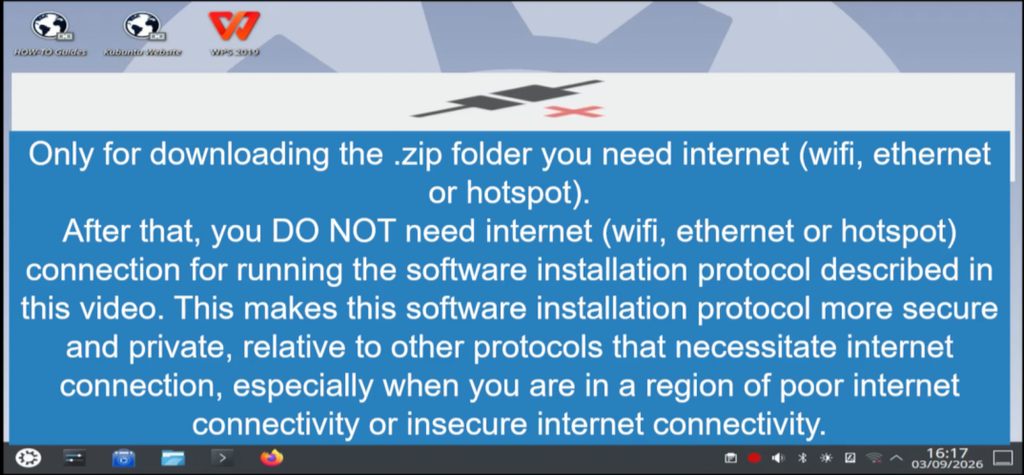
link https://fairwissenschaft.eu/media-large/videos/12-09-2026/Kubuntu-offline-Apt-Deb-Only_EU_France_video1_settings_and_scripts_folder_with_audio_with_subtitle_small.mp4
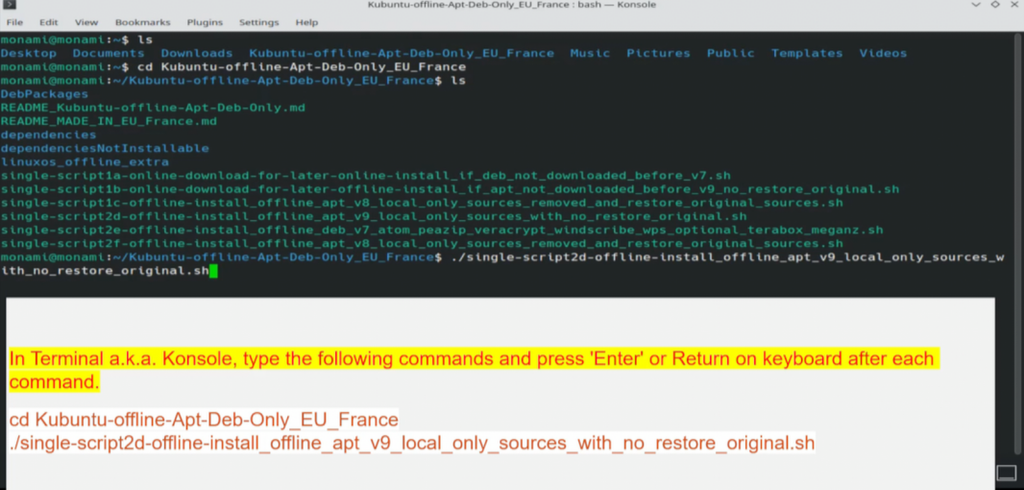
link https://fairwissenschaft.eu/media-large/videos/12-09-2026/Kubuntu-offline-Apt-Deb-Only_EU_France_video2d_install_software_with_audio_with_subtitle_small.mp4
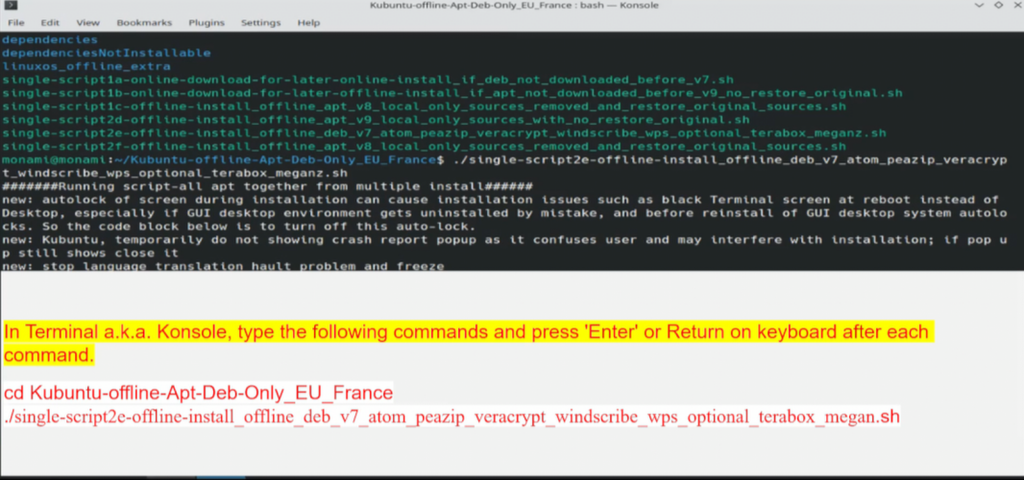
link https://fairwissenschaft.eu/media-large/videos/12-09-2026/Kubuntu-offline-Apt-Deb-Only_EU_France_video2e_install_software_with_audio_with_subtitle_small.mp4
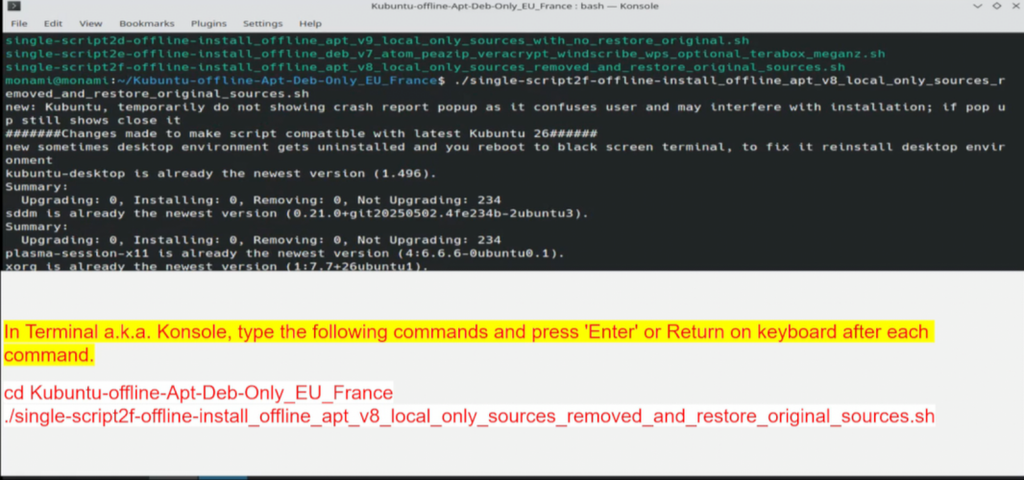
link https://fairwissenschaft.eu/media-large/videos/12-09-2026/Kubuntu-offline-Apt-Deb-Only_EU_France_video2f_install_software_with_audio_with_subtitle_small.mp4
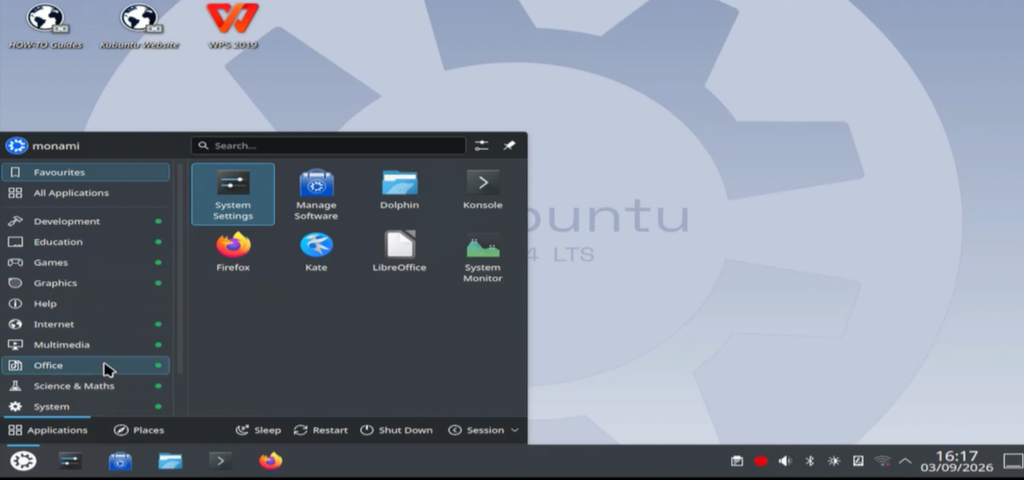
link https://fairwissenschaft.eu/media-large/videos/12-09-2026/Kubuntu-offline-Apt-Deb-Only_EU_France_video3_walkthrough_install_software_with_audio_with_subtitle_small.mp4
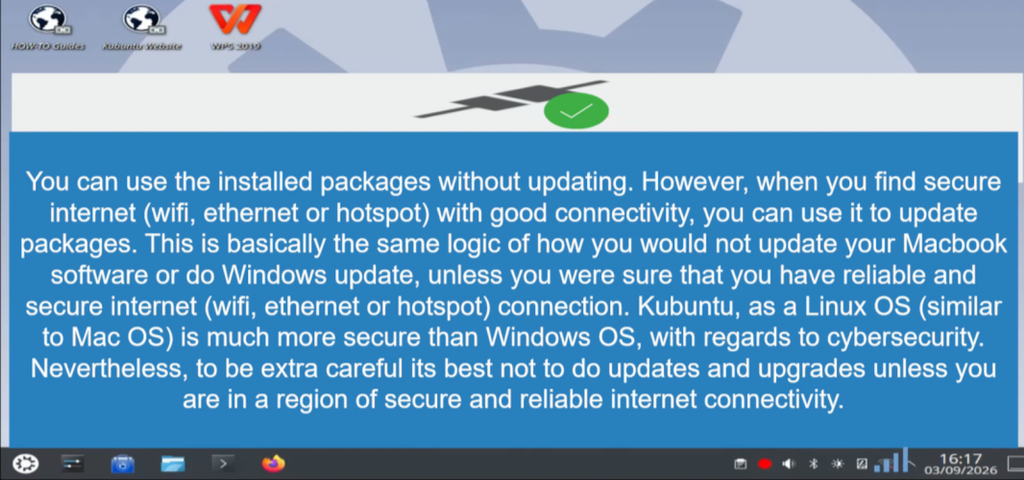
link https://fairwissenschaft.eu/media-large/videos/12-09-2026/Kubuntu-offline-Apt-Deb-Only_EU_France_video4_online_updates_manage_software_method_with_audio_with_subtitle_small.mp4
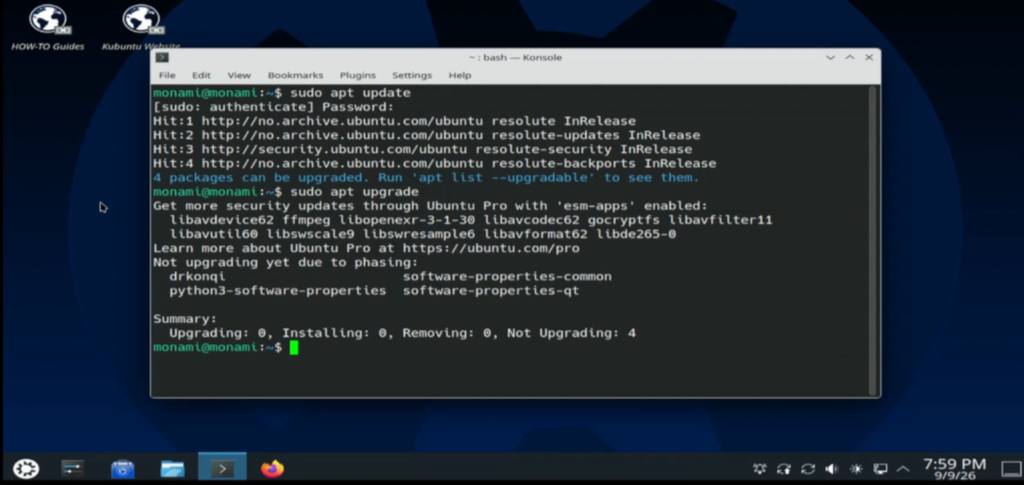
link https://fairwissenschaft.eu/media-large/videos/12-09-2026/Kubuntu-offline-Apt-Deb-Only_EU_France_video5_online_updates_terminal_konsole_method_with_audio_with_subtitle_small.mp4
Text/Written Tutorial
The content of this post is in .pdf format and you may read it as you would read any .pdf file on a browser. There are ‘zoom’ buttons, ‘scroll’ to next page, ‘box’ to type page number, ‘toggle sidebar’ and other features to make your reading experience smooth. Enjoy!
You May Also Like
This article is about installing software in Kubuntu Linux OS. To know how to install Kubuntu Linux OS, here are some recommended articles:
- Also See: For tutorial about how to install Linux OS on external disk or computer : a) Installing Two Linux OS As Multi-Boot : Scenario Ubuntu Plus One Parrot (with video tutorial) https://fairwissenschaft.eu/2026/04/installing-two-linuxos-as-multi-boot-scenario-ubuntu-plus-one-parrot/
- Also See: For tutorial about how to install Linux OS on external disk or computer : b) Installing Seven Linux OS As Multi-Boot https://fairwissenschaft.eu/2026/03/installing-seven-linuxos-as-multi-boot/
Tutor (Future Plans): In the future, content from the ‘fairwissenschaft’ website will be taught by an adaptive tutor called ‘Camelot-Knights-AI’. The name is inspired by King Arthur’s legendary court and castle at Camelot, where unity, equality, and idealized Christian values were upheld among the esteemed knights. To understand the significance of these names, a brief overview of the Arthurian legend is necessary. King Arthur was the mythical king of Britain who ruled during the High Middle Ages. His court and castle, Camelot, served as the center of his kingdom and symbolized his court and the knights’ fellowship. The Round Table at Camelot represented unity and equality among Arthur’s knights, who were renowned for their chivalry, bravery, wisdom, knowledge and heroic deeds. Handpicked by Arthur, these knights embodied wisdom, honor, knowledge, loyalty, and courage. King Arthur also led by example to ensure the knights stayed on the path of righteousness. In the context of ‘fairwissenschaft’ website AI tutor, ‘Camelot-Knights-AI’ will embody the values and knowledge of the ‘fairwissenschaft’ website in an adaptive tutor designed for a better learning experience. This AI agent will not only be knowledgeable but also learn and adapt to each student’s unique needs. To maintain quality and ensure safety, an additional feature will be introduced called ‘Camelot-Arthur-AI’. This guardrail agent will allow parents and mentors to review and remove any content that is inconsistent with the great Christian Western Civilization, which is foundational to all knowledge (arts and sciences), including knowledge presented in ‘fairwissenschaft’ website. By doing so, ‘Camelot-Arthur-AI’ will help course correct ‘Camelot-Knights-AI’ to good values or teachings in keeping with the greatness of Christian Western Civilization, just like how King Arthur did with his Knights. Maintaining this greatness of Christian Western Civilization is critical as it forms the foundation for all ‘ethos’ and ‘logos’, meaning it underpins all knowledge (sciences and arts), including the knowledge presented here on ‘fairwissenschaft’ website. With ‘Camelot-Knights-AI” adaptive learning capabilities combined with review by ‘Camelot-Arthur-AI’, its will be aimed to provide a positive, accurate, and enriching learning experience for all. To put it simply, ‘Camelot-Knights-AI’ will focus on ‘logos’ and ‘Camelot-Arthur-AI’ will focus on ‘ethos’ of knowledge, here ‘fairwisseschaft’ website.